https://itinai.com/build-an-interactive-bilingual-chat-interface-with-meraj-mini-ai/
Bilingual Chat Assistant Implementation
In this tutorial, we will implement a Bilingual Chat Assistant using the Meraj-Mini model from Arcee AI. The assistant will be seamlessly deployed on Google Colab using T4 GPU, demonstrating the capabilities of open-source language models and offering a hands-on experience in deploying advanced AI solutions within free cloud resources.
Tools Required
We will utilize the following tools:
- Arcee’s Meraj-Mini model
- Transformers library for model loading and tokenization
- Accelerate and bitsandbytes for efficient quantization
- PyTorch for deep learning computations
- Gradio for creating an interactive web interface
Enable GPU Acceleration
Start by enabling GPU acceleration and installing necessary libraries:
        !nvidia-smi --query-gpu=name,memory.total --format=csv
        !pip install -qU transformers accelerate bitsandbytes
        !pip install -q gradio
Model Configuration
Next, we will configure settings for 4-bit quantization and load the model:
        import torch
        from transformers import AutoTokenizer, AutoModelForCausalLM, pipeline, BitsAndBytesConfig

        quant_config = BitsAndBytesConfig(
            load_in_4bit=True,
            bnb_4bit_quant_type="nf4",
            bnb_4bit_compute_dtype=torch.float16,
            bnb_4bit_use_double_quant=True
        )

        model = AutoModelForCausalLM.from_pretrained(
            "arcee-ai/Meraj-Mini",
            quantization_config=quant_config,
            device_map="auto"
        )
        tokenizer = AutoTokenizer.from_pretrained("arcee-ai/Meraj-Mini")
Creating the Chat Pipeline
We will set up a text generation pipeline suitable for chat interactions:
        chat_pipeline = pipeline(
            "text-generation",
            model=model,
            tokenizer=tokenizer,
            max_new_tokens=512,
            temperature=0.7,
            top_p=0.9,
            repetition_penalty=1.1,
            do_sample=True
        )
Defining Chat Functions
We will create two functions to manage chat interactions:
        def format_chat(messages):
            prompt = ""
            for msg in messages:
                prompt += f"<|im_start|>{msg['role']}n{msg['content']}<|im_end|>n"
            prompt += "<|im_start|>assistantn"
            return prompt

        def generate_response(user_input, history=[]):
            history.append({"role": "user", "content": user_input})
            formatted_prompt = format_chat(history)
            output = chat_pipeline(formatted_prompt)[0]['generated_text']
            assistant_response = output.split("<|im_start|>assistantn")[-1].split("<|im_end|>")[0]
            history.append({"role": "assistant", "content": assistant_response})
            return assistant_response, history
Building the Chat Interface
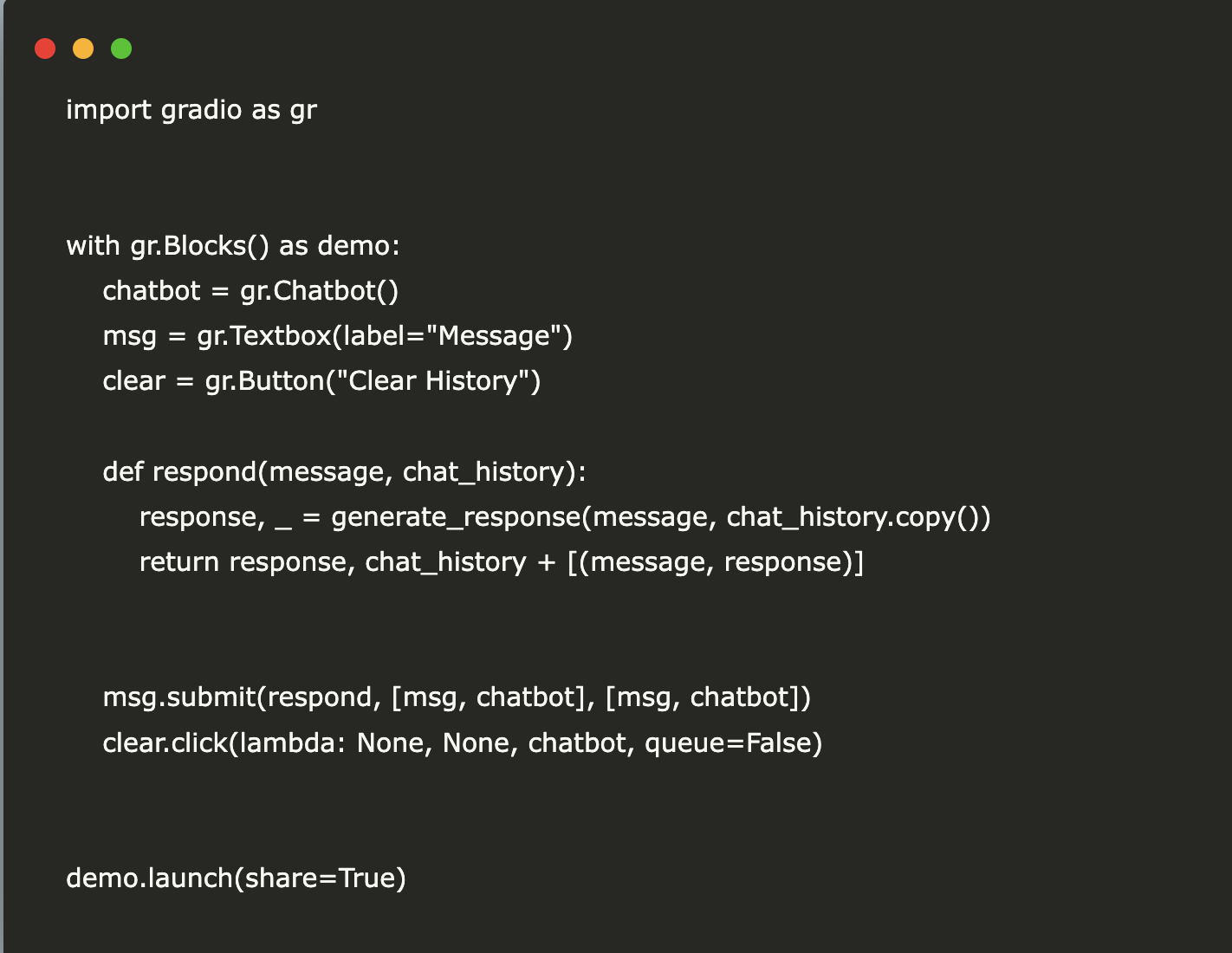
Finally, we will create a user interface for the chat using Gradio:
        import gradio as gr

        with gr.Blocks() as demo:
            chatbot = gr.Chatbot()
            msg = gr.Textbox(label="Message")
            clear = gr.Button("Clear History")

            def respond(message, chat_history):
                response, _ = generate_response(message, chat_history.copy())
                return response, chat_history + [(message, response)]

            msg.submit(respond, [msg, chatbot], [msg, chatbot])
            clear.click(lambda: None, None, chatbot, queue=False)

        demo.launch(share=True)
Next Steps
Explore how AI can transform your business processes. Seek opportunities for automation and identify key performance indicators (KPIs) to measure the effectiveness of your AI solutions. Start with small projects, gather data, and expand gradually.
If you need further assistance in managing AI within your business, please contact us:
- Email: hello@itinai.ru
- Telegram: ITinAI Telegram
- X: ITinAI X Profile
- LinkedIn: ITinAI LinkedIn
https://itinai.com/build-an-interactive-bilingual-chat-interface-with-meraj-mini-ai/
#BilingualChatAssistant #AIChatbot #OpenSourceAI #MachineLearning #GoogleColab

No comments:
Post a Comment